




User Interface (UI)
User Interface (UI) refers to the means by which a user interacts with a computer, software application, or any other electronic device. It encompasses all the elements that allow users to communicate with the system, including screens, buttons, icons, menus, and other visual elements. The primary goal of UI design is to create an intuitive and efficient interface that enhances the user experience (UX) by making it easy for users to navigate and perform tasks.
Components of User Interface
The User Interface can be broken down into several key components, each playing a crucial role in how users interact with a system. These components include:
- Visual Elements: These are the graphical components of the interface, such as buttons, icons, images, and typography. They are designed to be visually appealing and to guide users through the interface.
- Interactive Elements: These include buttons, sliders, checkboxes, and other components that users can interact with to perform actions. Effective interactive elements are responsive and provide feedback to users.
- Navigation: This refers to the system of menus, links, and pathways that allow users to move through the interface. Good navigation is essential for helping users find the information or features they need quickly.
- Layout: The arrangement of visual and interactive elements on the screen is crucial for usability. A well-structured layout helps users understand the hierarchy of information and makes it easier to locate features.
- Feedback: Providing feedback to users after they perform an action is vital for a positive user experience. This can include visual cues, sounds, or messages that confirm an action has been completed.
Types of User Interfaces
There are several types of user interfaces, each designed for different contexts and user needs. The most common types include:
- Graphical User Interface (GUI): This is the most prevalent type of user interface, characterized by visual elements such as windows, icons, and buttons. GUIs allow users to interact with the system using a mouse or touch gestures, making them more accessible to non-technical users.
- Command-Line Interface (CLI): A CLI allows users to interact with the system through text commands. While it may be less intuitive than a GUI, it offers greater control and efficiency for advanced users who are familiar with the commands.
- Touch User Interface: Commonly found on mobile devices, touch interfaces allow users to interact with the system through touch gestures. This type of interface is designed to be simple and intuitive, often using swipes, taps, and pinches.
- Voice User Interface (VUI): VUIs enable users to interact with devices using voice commands. This technology has gained popularity with the rise of virtual assistants like Siri, Alexa, and Google Assistant, providing a hands-free way to control devices.
The Importance of User Interface Design
The design of a user interface is critical for several reasons:
- User Satisfaction: A well-designed UI enhances user satisfaction by making interactions smooth and enjoyable. Users are more likely to return to an application or website that they find easy to use.
- Efficiency: A good UI reduces the time and effort required to complete tasks. When users can navigate quickly and find what they need without frustration, they are more productive.
- Accessibility: Effective UI design considers the needs of all users, including those with disabilities. By following accessibility guidelines, designers can create interfaces that are usable by a wider audience.
- Brand Identity: The UI is often a reflection of a brand’s identity. A cohesive and visually appealing interface can strengthen brand recognition and loyalty.
Best Practices for UI Design
To create an effective user interface, designers should follow several best practices:
1. Keep it Simple: Avoid clutter and unnecessary elements. A clean design helps users focus on essential tasks.
2. Consistency is Key: Use consistent colors, fonts, and layouts throughout the interface to create a cohesive experience.
3. Prioritize Usability: Design with the user in mind. Conduct usability testing to identify pain points and areas for improvement.
4. Provide Clear Feedback: Ensure that users receive immediate feedback for their actions, such as visual changes or confirmation messages.
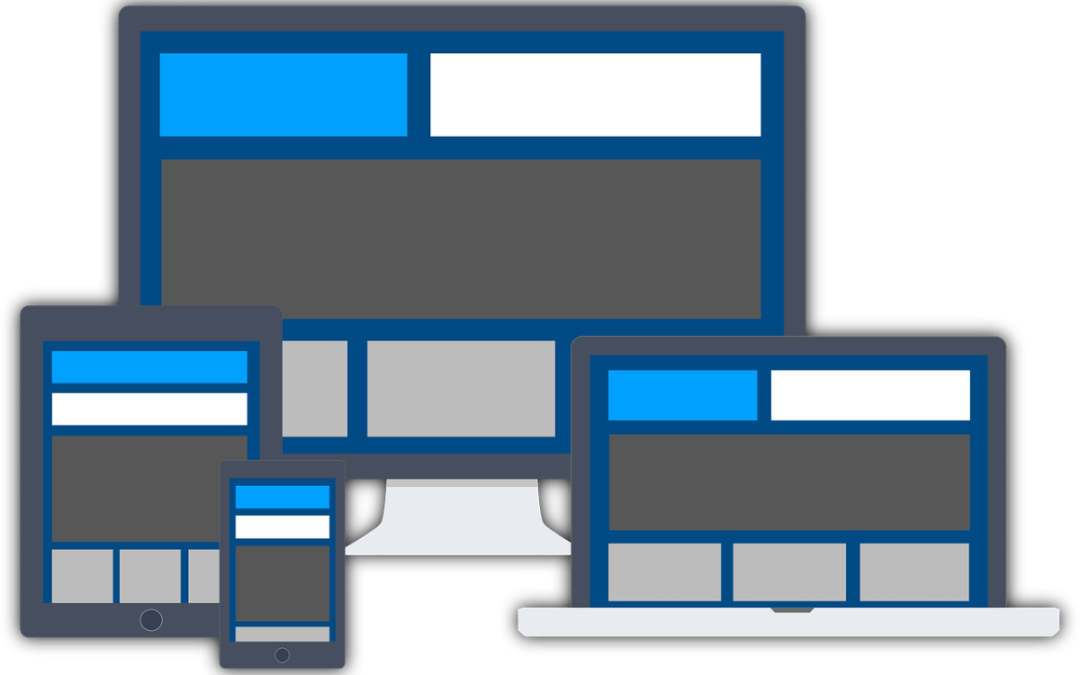
5. Optimize for Different Devices: Design responsive interfaces that work well on various screen sizes and devices.
Conclusion
In summary, the User Interface (UI) is a fundamental aspect of any digital product, playing a crucial role in how users interact with technology. By understanding the components, types, and importance of UI design, as well as adhering to best practices, designers can create interfaces that not only meet user needs but also enhance overall satisfaction and engagement. As technology continues to evolve, the significance of effective UI design will only grow, making it an essential focus for developers and designers alike.



