




Liquid Layout
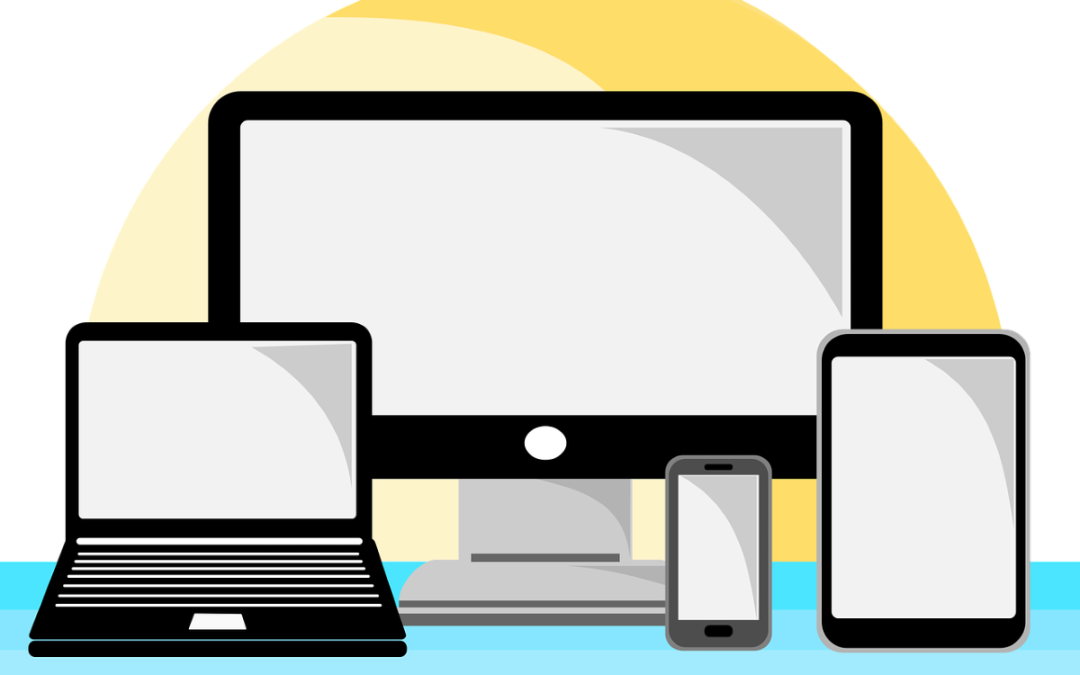
A liquid layout, also known as a fluid layout, is a web design approach that allows a website’s elements to resize and adapt to the user’s screen size or browser window. Unlike fixed layouts, where the width of the elements is set in specific pixel values, liquid layouts use relative units such as percentages or ems. This flexibility ensures that the content remains accessible and visually appealing across a wide range of devices, from desktop computers to tablets and smartphones.
Understanding Liquid Layouts
The primary goal of a liquid layout is to create a seamless user experience regardless of the device being used. As the browser window is resized, the elements within the layout adjust their size proportionally. This adaptability is particularly important in today’s digital landscape, where users access websites from various devices with different screen sizes and resolutions.
Liquid layouts are built using CSS (Cascading Style Sheets) and often involve the use of the following techniques:
- Percentage-based widths: Instead of setting a fixed width for elements, designers specify widths in percentages. For example, a div element might be set to 50% width, allowing it to take up half of the available space regardless of the screen size.
- Flexible images: Images in a liquid layout are often set to a maximum width of 100%. This ensures that they scale down appropriately when the browser window is resized, preventing overflow and maintaining the layout’s integrity.
Advantages of Liquid Layouts
There are several advantages to using liquid layouts in web design:
- Responsive Design: Liquid layouts are inherently responsive, meaning they can adapt to different screen sizes without the need for separate stylesheets or media queries. This makes them a popular choice for modern web design, where responsiveness is crucial.
- Improved User Experience: By ensuring that content is easily readable and accessible on any device, liquid layouts enhance the overall user experience. Users can navigate the site without having to zoom in or scroll horizontally, which can be frustrating on smaller screens.
Challenges of Liquid Layouts
While liquid layouts offer many benefits, they also come with their own set of challenges:
- Content Overflow: If not designed carefully, liquid layouts can lead to content overflow, where text or images extend beyond their containers. This can disrupt the layout and create a poor user experience.
- Complexity in Design: Creating a liquid layout can be more complex than a fixed layout, as designers must consider how each element will behave when the screen size changes. This requires thorough testing and adjustments to ensure that all elements remain visually appealing and functional.
Implementing a Liquid Layout
To implement a liquid layout, web designers typically use a combination of CSS properties. Here’s a simple example of how to create a basic liquid layout using CSS:
body {
    margin: 0;
    padding: 0;
}

.container {
    width: 90%; /* Container takes up 90% of the viewport width */
    margin: 0 auto; /* Center the container */
}

.header, .footer {
    background-color: #f2f2f2;
    padding: 20px;
    text-align: center;
}

.main {
    width: 100%; /* Main content area takes up full width */
    padding: 20px;
}

.sidebar {
    float: left; /* Float sidebar to the left */
    width: 30%; /* Sidebar takes up 30% of the container */
    background-color: #e6e6e6;
    padding: 10px;
}

.content {
    float: right; /* Float content area to the right */
    width: 65%; /* Content takes up 65% of the container */
    background-color: #ffffff;
    padding: 10px;
}

.clearfix::after {
    content: "";
    clear: both;
    display: table;
}
In this example, the layout consists of a header, a footer, a sidebar, and a main content area. The widths of the sidebar and content are defined in percentages, allowing them to resize based on the width of the container. The use of the clearfix class ensures that the floated elements are contained within their parent element, preventing layout issues.
Conclusion
In summary, a liquid layout is a flexible and responsive web design approach that adapts to various screen sizes and resolutions. By utilizing percentage-based widths and flexible images, designers can create a seamless user experience that enhances accessibility and usability. While there are challenges associated with liquid layouts, the benefits they offer in today’s multi-device world make them a valuable tool for web designers. As technology continues to evolve, understanding and implementing liquid layouts will remain essential for creating effective and user-friendly websites.



